Your desk should
work as hard as you do.
Chairs, desks, monitors, and the small pieces that hold a workspace together — bought at retail price, used for weeks, and scored on what actually matters.
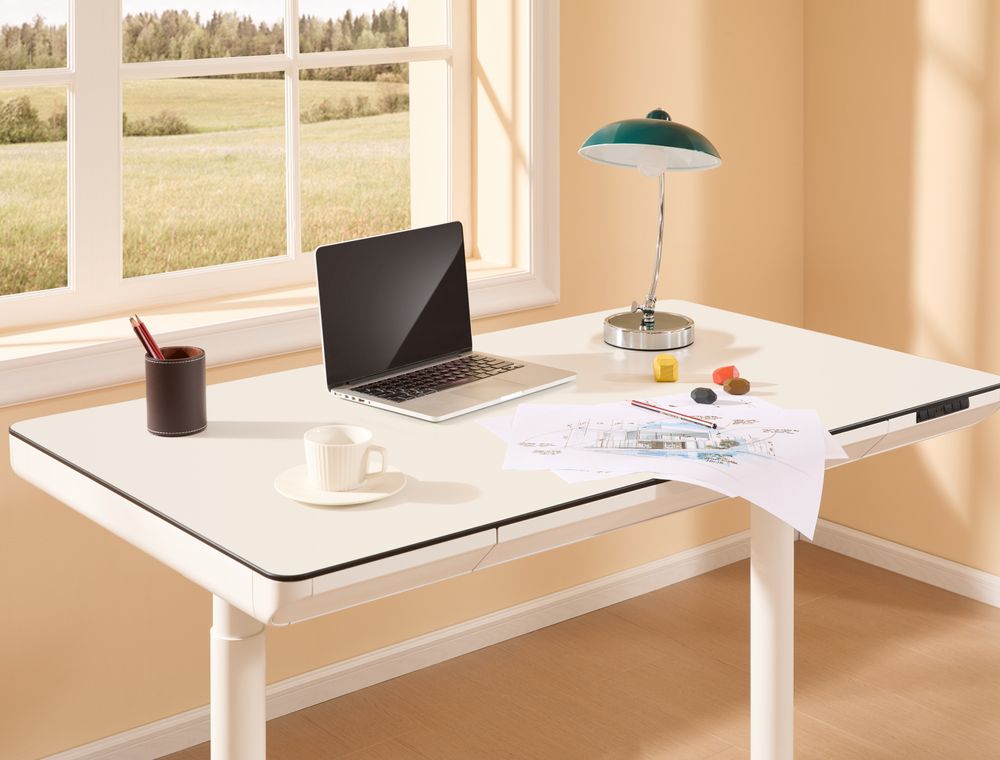
Four Zones, One Workspace
Build in this order — seat, sight, hands, connections. Each zone has three reviews, and every product was bought at retail price.
Zone 01 · Sit
Chair, desk height, and the base of the whole setup. Buy this first and measure twice.

9.2/10
AlderForm Ergo Chair
A mesh-back task chair with lumbar support that actually lands where your spine wants it — eight hours in, you stop noticing the chair.
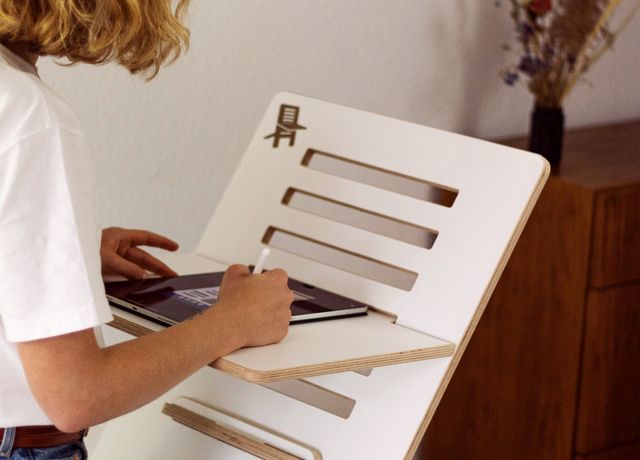
9.0/10
Northline Dual-Motor Standing Desk
Quiet, stable at full height, and it remembers four positions. The anti-collision sensor alone is worth the upgrade.
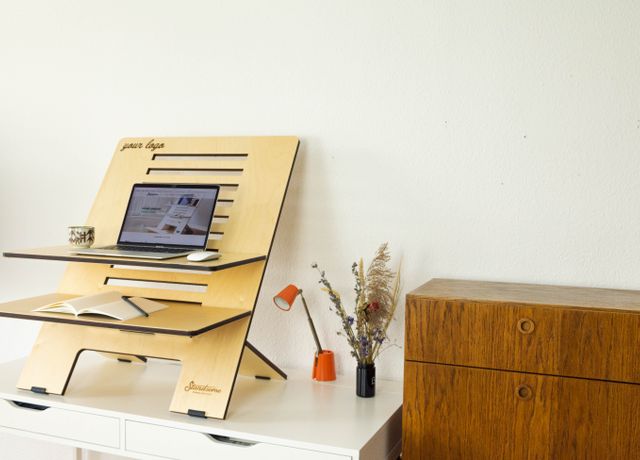
8.8/10
LiftBook Aluminum Laptop Stand
Raises a laptop to eye level and folds flat enough for a backpack. Simple, rigid, and it finally ends the neck crane.
Zone 02 · See
Screen size, distance, and light. This is where most neck and eye strain is won or lost.
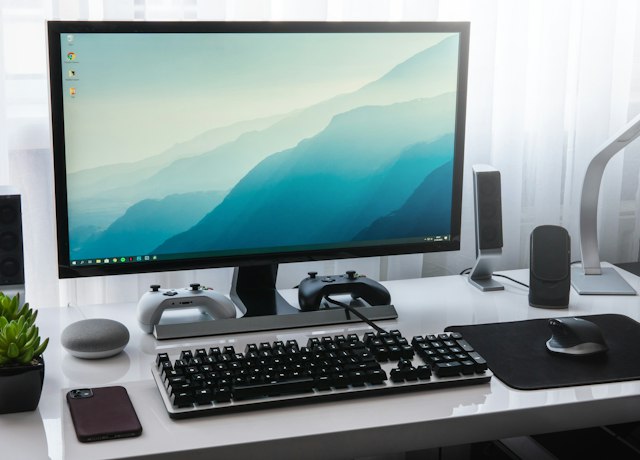
9.1/10
Vista 27″ 4K Monitor
Sharp text, honest color out of the box, and a USB-C port that charges a laptop while carrying the picture. One cable, done.

8.8/10
PivotPro Single Monitor Arm
Gas-spring arm that stays exactly where you put it and frees the whole desk underneath. Clamp install took ten minutes.

8.9/10
HaloDesk LED Task Lamp
Flicker-free light with warm-to-cool tuning and a diffuser that keeps glare off the screen. The auto-dimming actually works.
Zone 03 · Type
The two surfaces your hands touch all day. Small upgrades, immediate payoff.
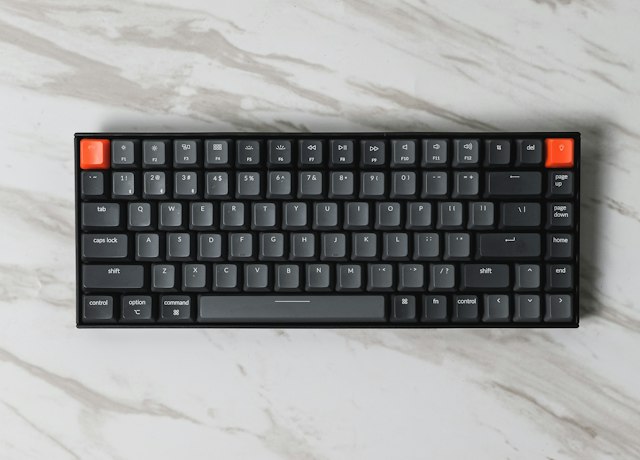
9.3/10
Keystone 75 Mechanical Keyboard
Hot-swappable switches, a genuinely solid aluminum case, and a layout that fits a mouse arm without reaching. Our daily driver.
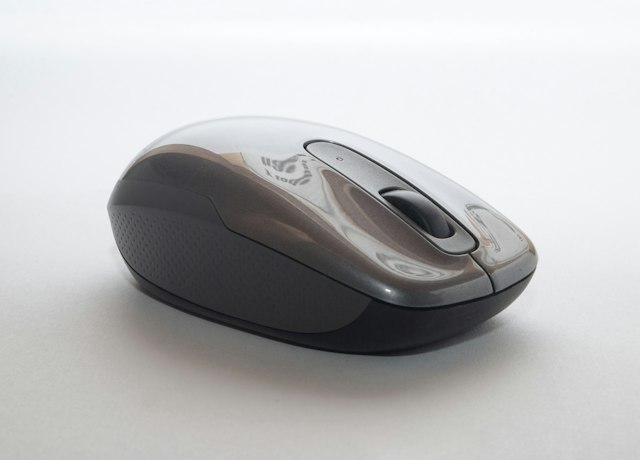
8.6/10
GlidePoint Ergo Mouse
A sculpted vertical mouse that takes a week to learn and then quietly removes the wrist ache. Battery life is measured in months.

8.5/10
Grain & Grid Desk Mat
A felt-and-cork mat that deadens keyboard noise, protects the desktop, and makes a bare desk look intentional. Easy to clean, too.
Zone 04 · Connect
Power, ports, audio, and the cables nobody wants to think about — until they fail.

9.2/10
QuietWave ANC Headphones
Deep noise cancellation for open offices and coffee shops, with a transparency mode that sounds like the room, not a microphone.

8.7/10
PortHub 8-in-1 USB-C Dock
Every port a desk actually needs — HDMI, Ethernet, SD, three USB-A — in a aluminum block that stays cool under load.

8.4/10
CableNest Management Kit
Raceway, sleeves, clips, and a under-desk tray that turn a cable nest into one clean line. The least glamorous, most satisfying upgrade.
Buy in This Order
Most people buy the desk first, then discover the chair doesn’t fit it. Work top-down instead — each step depends on the one before it.
Chair
Everything else is measured from your seated elbow height.
Desk
Standing or fixed — pick the height that fits the chair, not the other way around.
Monitor & arm
Set the top third of the screen at eye level, an arm’s length away.
Input & light
Keyboard, mouse, and a lamp that lights the desk, not your eyes.
Cables & audio
Last, because now you know exactly what has to reach where.
What to Buy Last
Five things that get bought too early — and the cheaper, calmer way to do it.
How we score desk gear. Each score weighs build quality, daily comfort, and whether the product still earns its place after a month. Prices and availability change — check the current listing before you buy, and remember that no chair, desk, or lamp fixes a medical problem.
How We Test
A simple, repeatable process — the same for every product we review.
We Buy It Ourselves
Every product is purchased at retail price. Brands don’t get a say or a preview of our results.
We Live With It
Real homes, real routines — we install, we leak-test, we wear it, we break it. If it can’t survive real use, it doesn’t score well.
We Give One Verdict
One clear score out of 10, with the honest trade-offs shown. No vague “best-in-class” fluff.
We Re-Test Yearly
Re-reviewed every year. When something better comes along, we update the score — even if it means demoting a favorite.
How this site earns money
We earn through affiliate commissions and display ads — at no cost to you. Commissions never influence our verdicts, and we never accept payment for a good score. See our Disclosure.
What Readers Say
“I followed the build order and bought the chair last. Best decision — I finally knew what height I actually needed.”

“The monitor arm review was the first one that mentioned the desk thickness problem. Saved me a return.”

“The keyboard is exactly as described. Six months in, no rattles, no regrets.”

📬 The Prime Choices Daily Newsletter
One email a week: our newest reviews, buying-guide updates, and red-flag alerts on products that just don’t hold up. No spam, ever.
Questions? [email protected] · Privacy Policy
A Product We Should Test Next?
Tell us what you’re thinking of buying — we read every message and add products to the testing bench.